Claude Projects
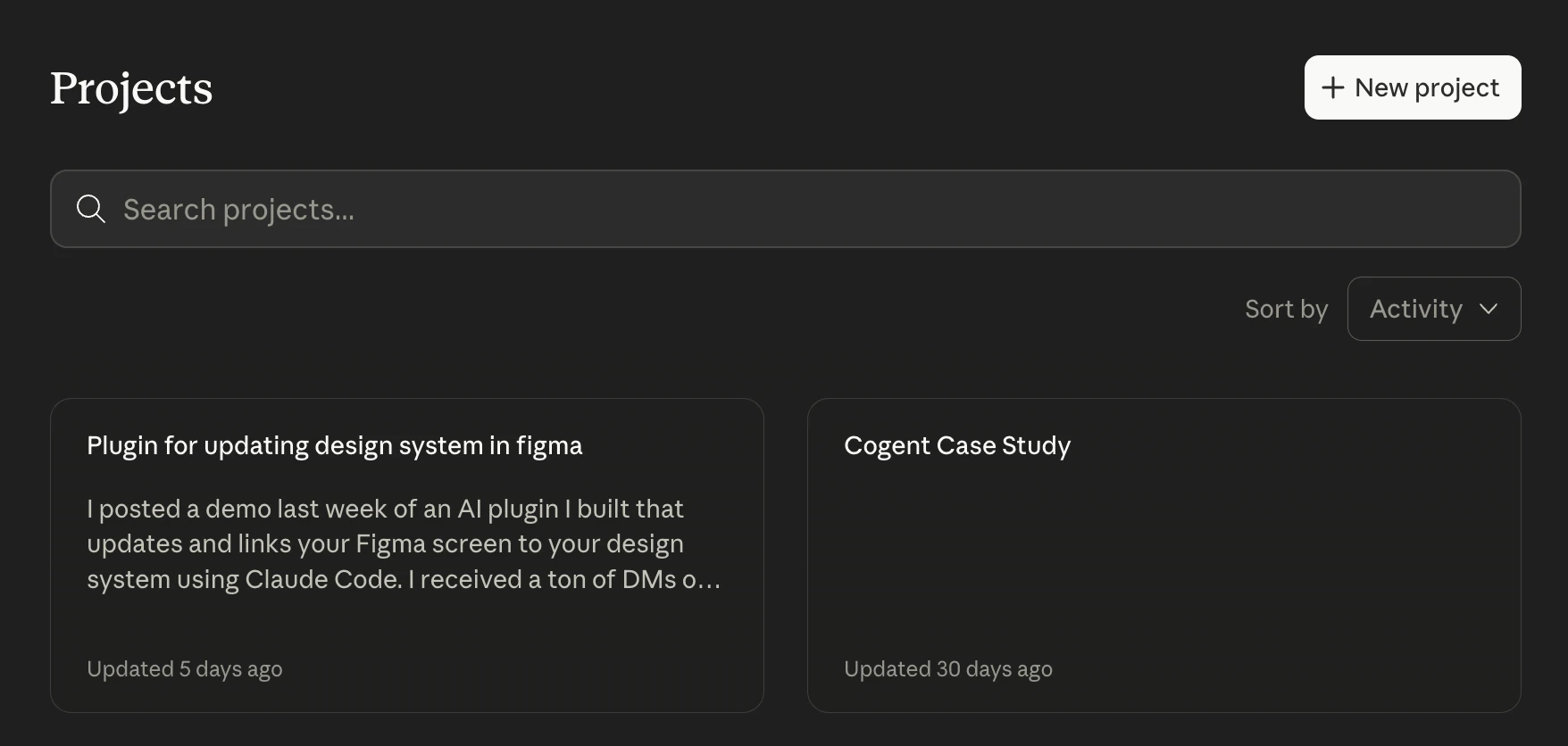
I keep my work organized by dividing each project into a dedicated Claude Project folder. This gives Claude persistent context about the project's goals and vision without needing to re-explain each session.
Claude Project Files
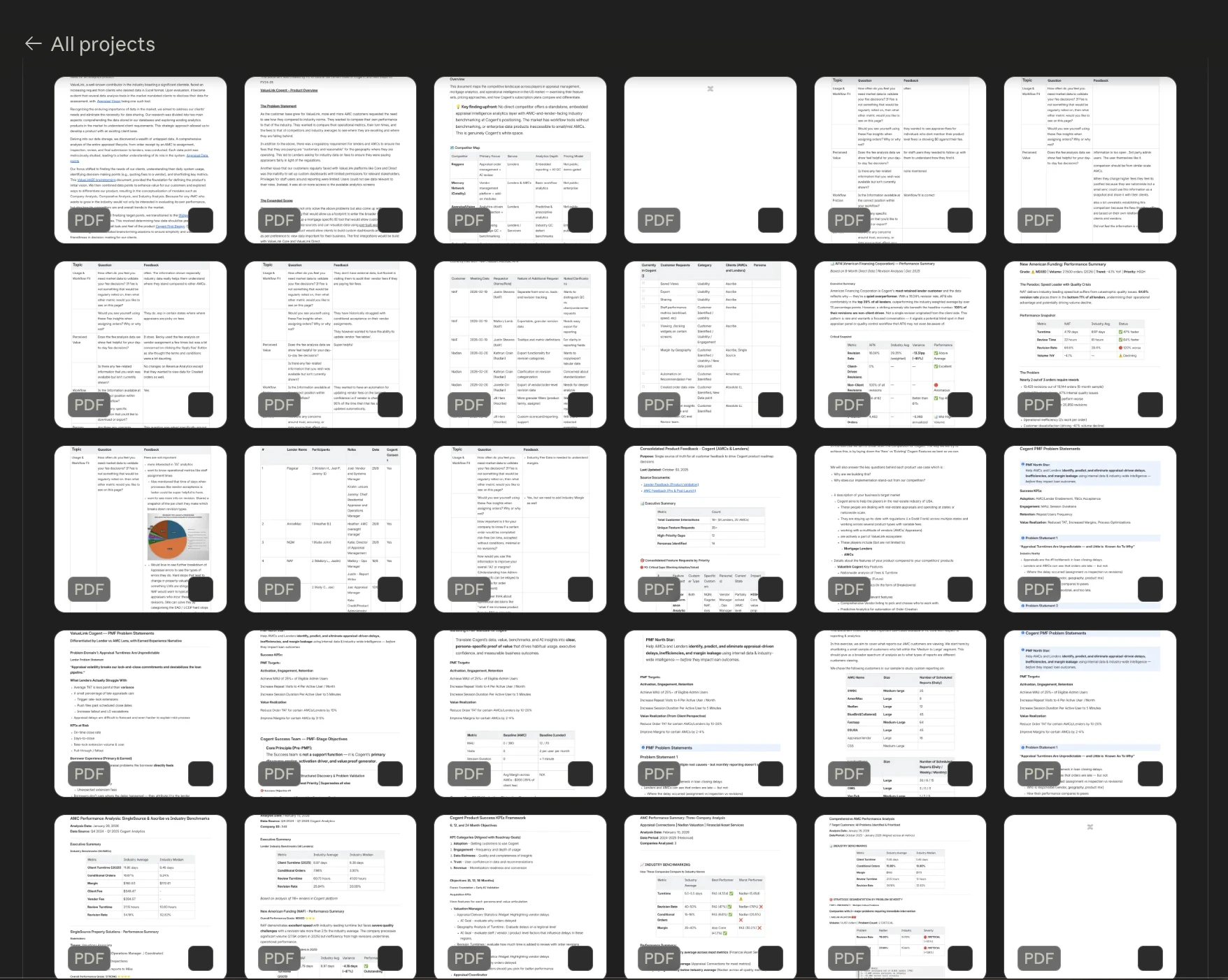
Each Claude project has associated files such as: in depth project descriptions, internal meetings notes, user interviews, user testing results, company and user data, competitor analysis, and reference docs etc. This ensures consistent, project-aware responses every time I open a new chat.
Claude Skills
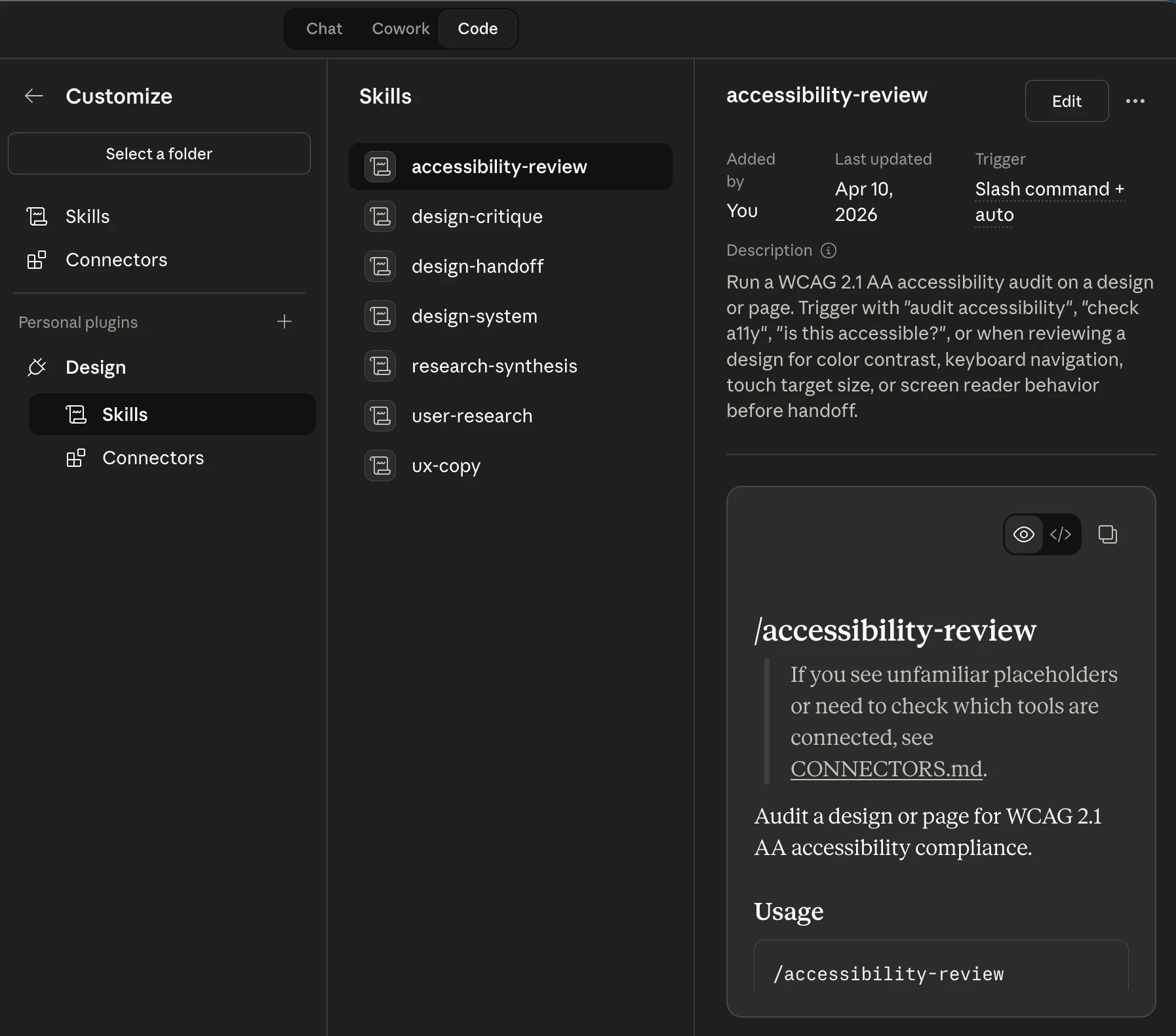
Claude Skills let me extend Claude's capabilities with reusable, task-specific actions. I use skills for things like accessibility testing, training Claude to critique design like an unbiased design partner, writing impactful UX copy, design system rules and variables in JSON etc.
Claude + Figma MCP
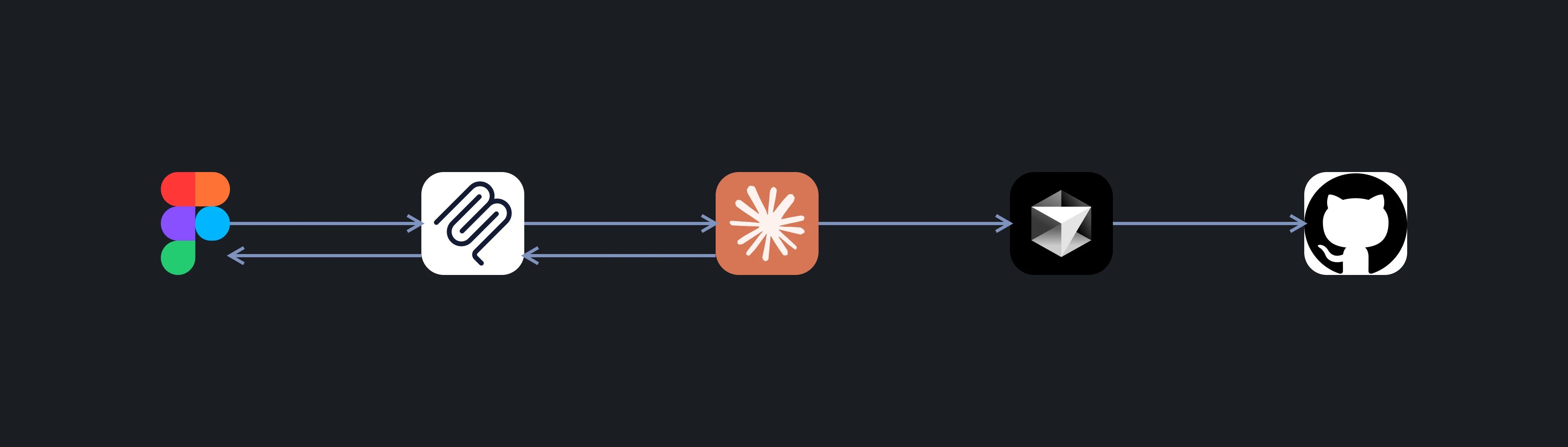
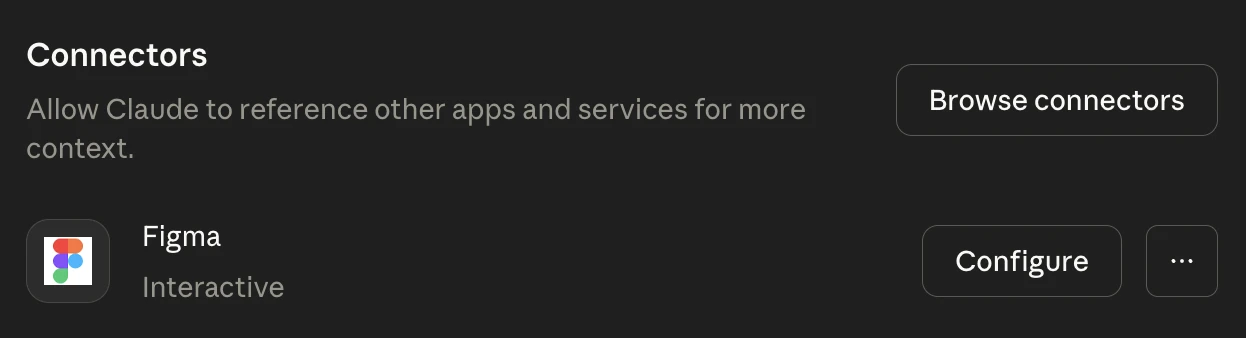
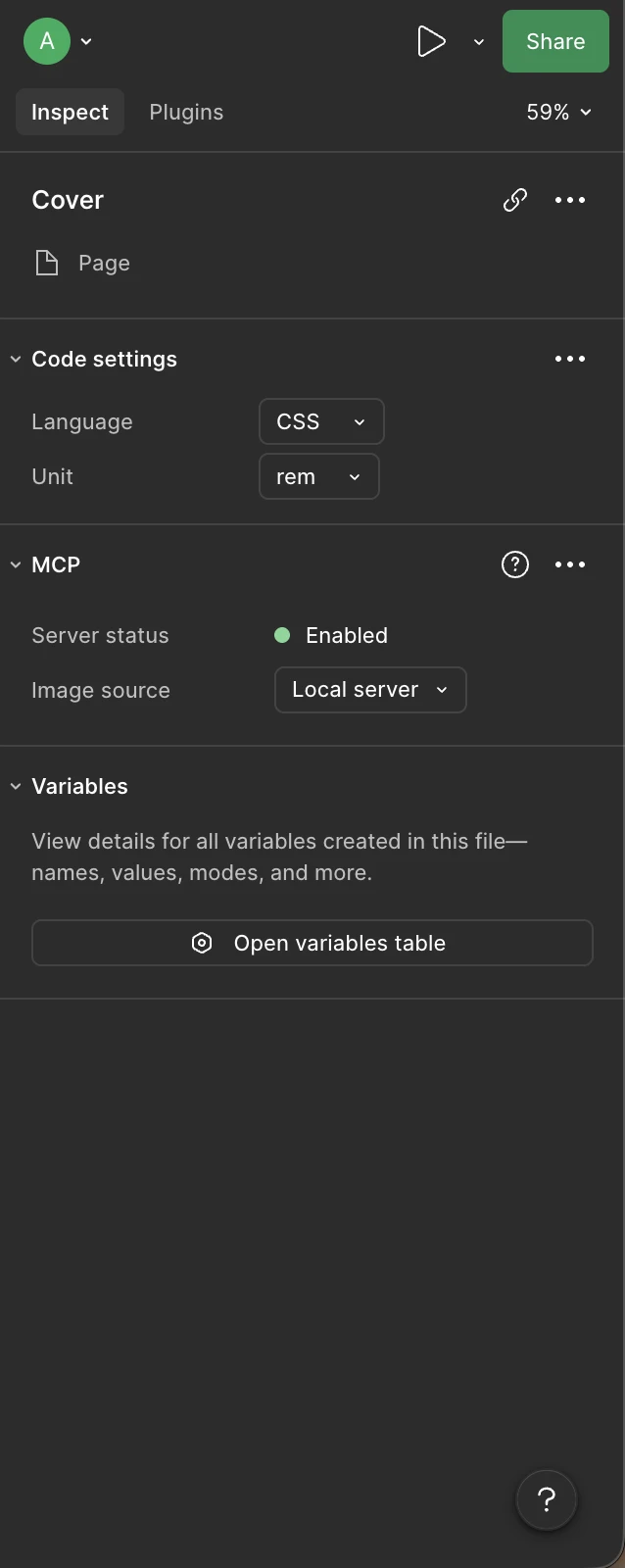
I connect Claude directly to Figma using the MCP (Model Context Protocol) integration. This lets me inspect design tokens and variables, query component properties, and pass Figma context directly into Claude, bridging design and code without switching tools.
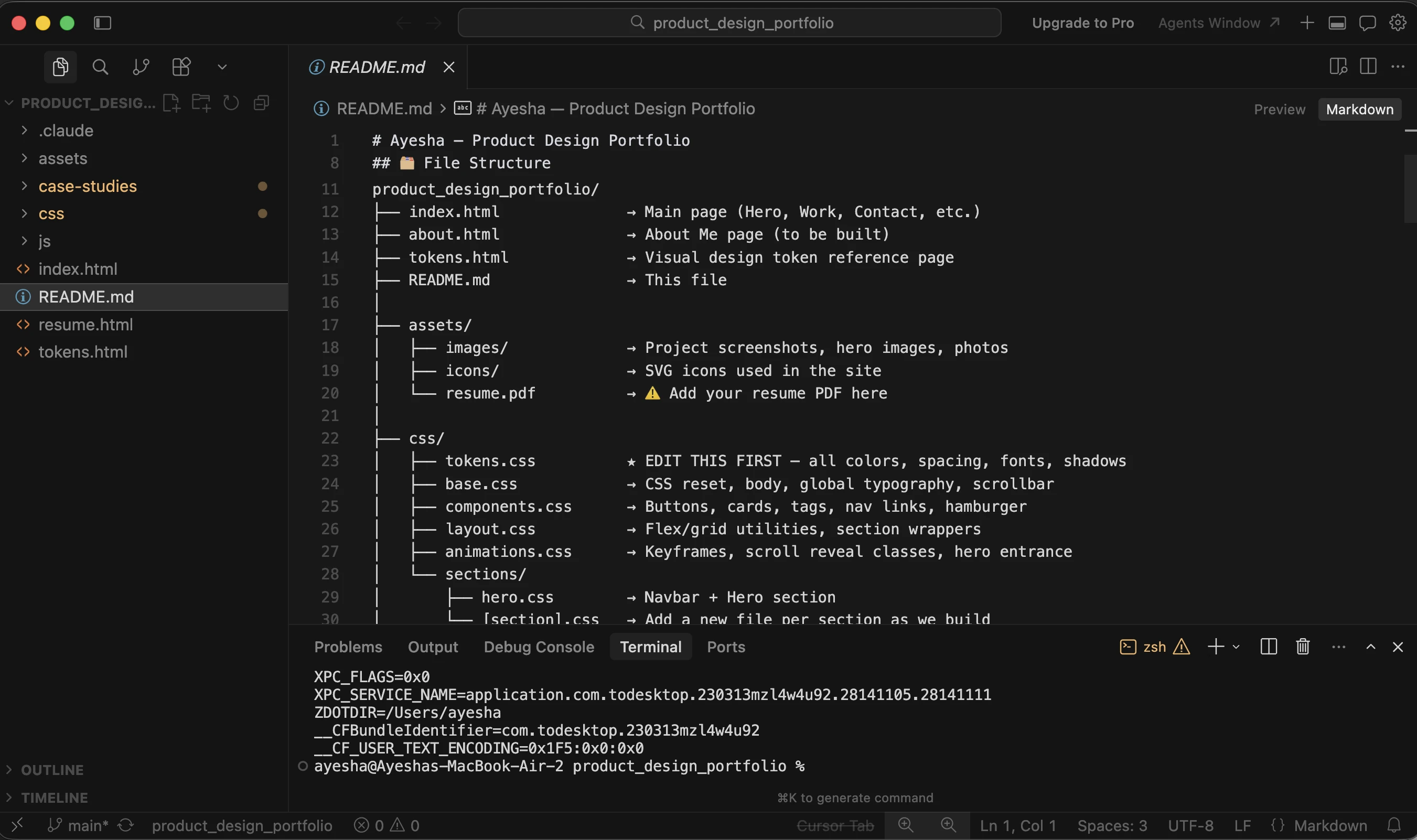
Cursor IDE
Cursor is my primary IDE for implementing design changes in code. My engineering background makes it natural to jump into the codebase and make quick and precise edits such as adjusting layout, typography, or interactions directly in the source. When changes are ready, I push them to GitHub for version control.